SELECTED WORK / CASE STUDY
INVESTMENT RESEARCH / PRODUCT ENGINEERING
StockBot.
A workspace for researching stocks and checking investment claims.
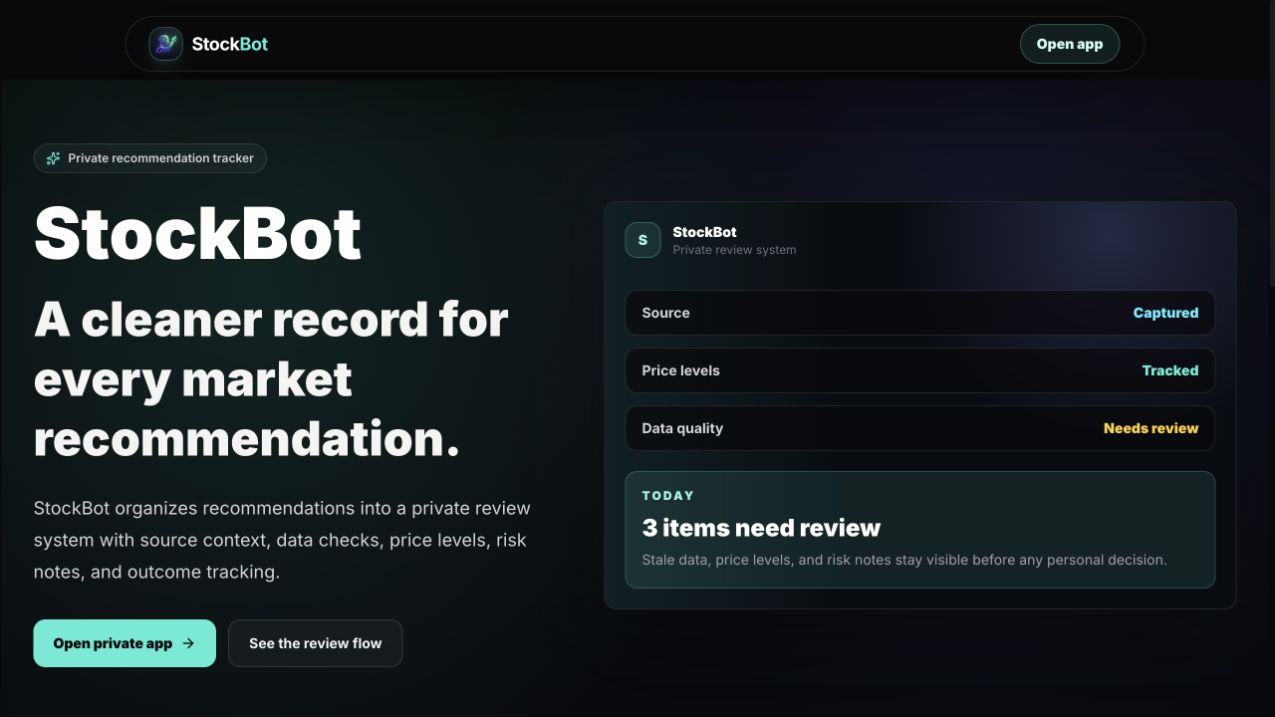
StockBot is a private investment-research app. Add a ticker, an article or video URL, a note, or a document to start a research case. Review the arguments for and against a stock, inspect the evidence behind them, and see which checks are still missing.
Ticker, URL, note & file inputs
Research grouped by stock and horizon
Walk through a research case
Walk through StockBot’s actual interface using a fictional Example Energy research case. The sample shows how source claims become a structured evidence review.
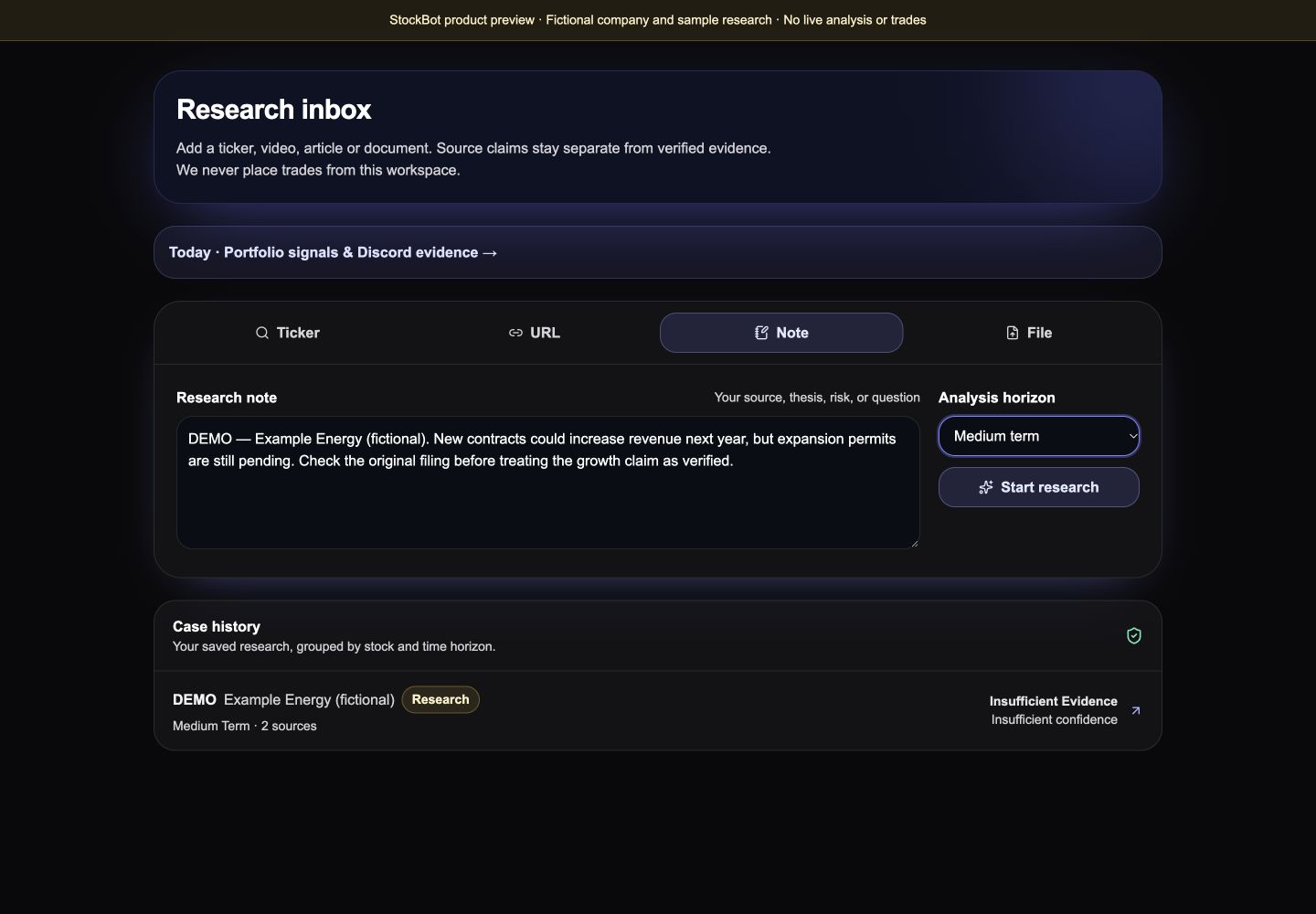
STEP 1 OF 3 · REAL UI / SAMPLE DATA
Add a source and a question
The inbox accepts a ticker, URL, note, or file. Here, the note asks whether new contracts justify a growth claim when expansion permits are still pending. The horizon keeps this research grouped with the relevant case.
Open full-size screenshot ↗01 / THE BUILD
Why build it?
A stock recommendation can come from a video, an article, or a personal note. Evaluating it means finding the original argument, checking its evidence, and comparing it with other sources. StockBot brings those tasks into one case, organized by stock and investment horizon, so the next review can start from the research already collected.
02 / THE BUILD
How research works
01
Add a ticker, paste an article or video URL, write a note, or upload a PDF or text file. Choose the time horizon for the research.
02
Review the source claims. The case preserves source quotations and groups bullish and bearish arguments so you can inspect what each source actually says.
03
Check the assessment against its evidence. The case shows supporting and contradicting items, conflicts between sources, confidence, and missing evidence checks.
04
Revisit the case as information changes. Saved assessment history lets you inspect earlier results; a new review refreshes market history and rechecks the evidence.
03 / THE BUILD
Implementation decisions
Next.js and TypeScript frontend on Vercel, backed by a Python FastAPI service and PostgreSQL on Railway. A server-side API proxy connects the interface to the backend, while Clerk controls access to the private workspace.
Preserve the original quotation
The case displays source quotations with their verification state and links back to the source when available. This lets a reader inspect the original claim alongside the generated assessment.
Show conflicting evidence together
Bull and bear arguments have separate sections. An evidence map lists items that support or contradict the current assessment, while a conflicts section keeps disagreements available for review.
Explain an incomplete assessment
The case names the evidence still needed to assess a claim, turning incomplete research into a clear next step for the reviewer.
Normalize price units before comparison
A quote of 250 pence is £2.50. Treating it as £250 introduces a 100-fold error. StockBot converts quotes explicitly marked GBp or GBX before comparing prices, rather than assuming every London-listed quote uses pence.
BUILT WITH
Next.js
TypeScript
FastAPI
PostgreSQL
Clerk
Playwright
Vercel
Railway
04 / THE BUILD
Checks and current status
Clerk authentication protects private research and user-specific records.
Source claims retain their verification state, and the case exposes missing evidence and data-quality checks.
Assessment snapshots preserve earlier results for review.
The workspace keeps research, source evidence and assessment history together for review.
PROJECT STATUS
The public product site is available. The research workspace requires approved access.
KEEP EXPLORING
Find it in Project Universe